- Milk
- Carrots
- Pork
- Bread
- Onions
- Tissues
- Eggs
- Salmon
- Potatoes
- Yogurt
One item per line. A message from family or a draft in your notes app works as is.
Shopping List
No retyping. No sorting.
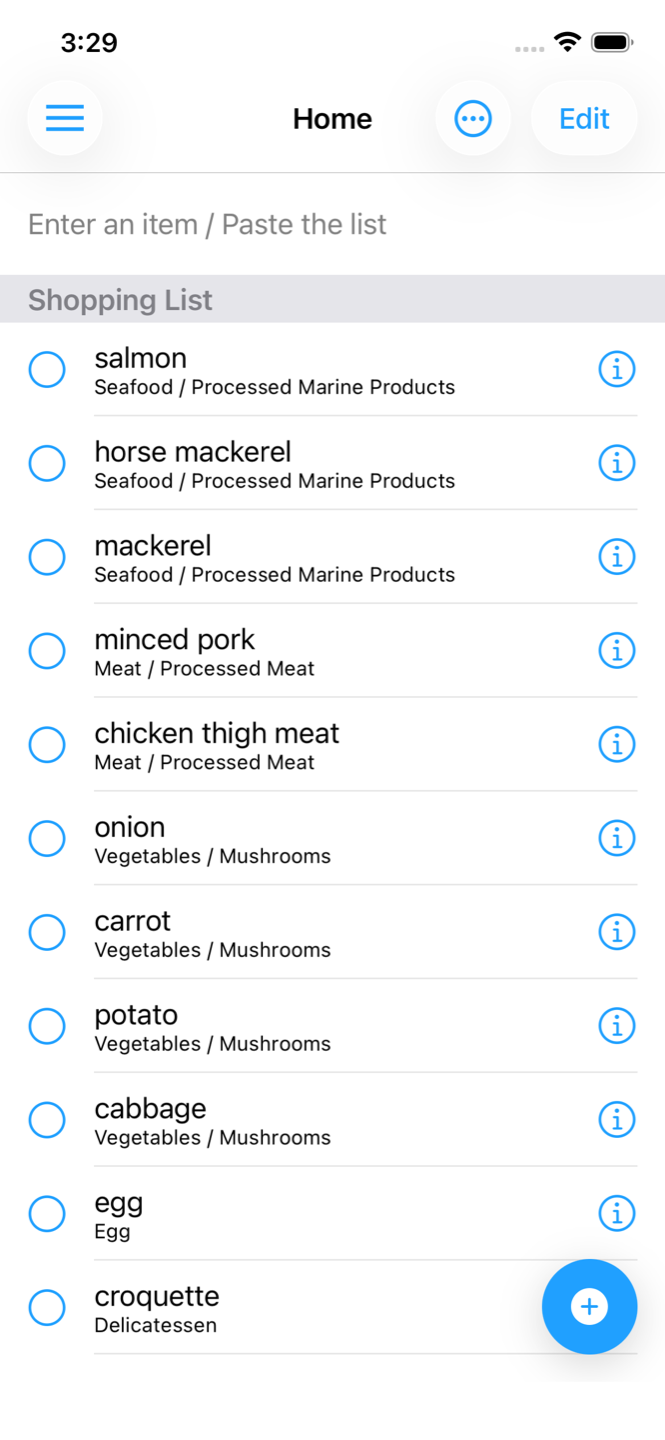
Paste a list with one item per line from a chat or your notes app. Shopping List identifies each item's category from its name and reorders the list so items from the same section sit next to each other. Not sure what to buy? You can ask AI, too.
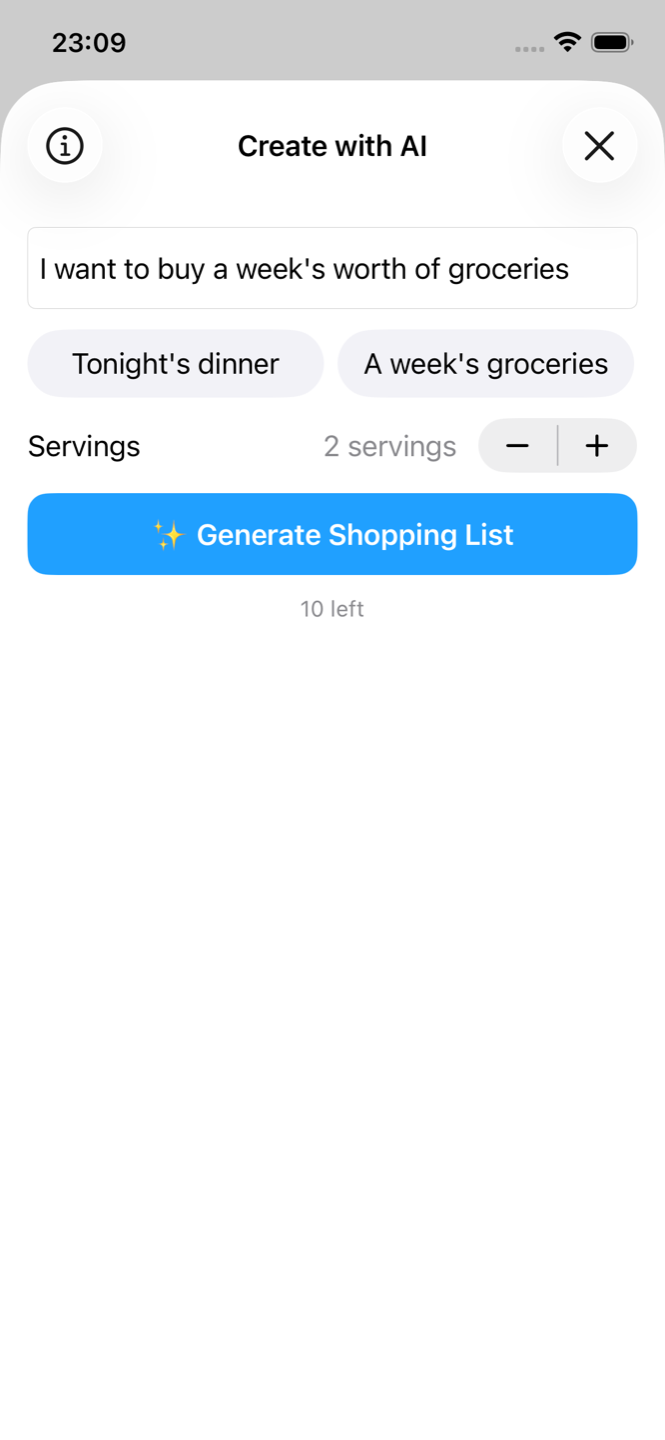
Core features are free, with no account needed. Let AI build a list for you, free for the first 10 times.
Available for iPhone and Android


Before / After
Paste a list like the one below, and items in the same category are placed next to each other.
One item per line. A message from family or a draft in your notes app works as is.
Value
Add a list you received, or your own draft, in one go, one item per line.
Choose from six preset sets such as weekend stock-up, or from things you bought before.
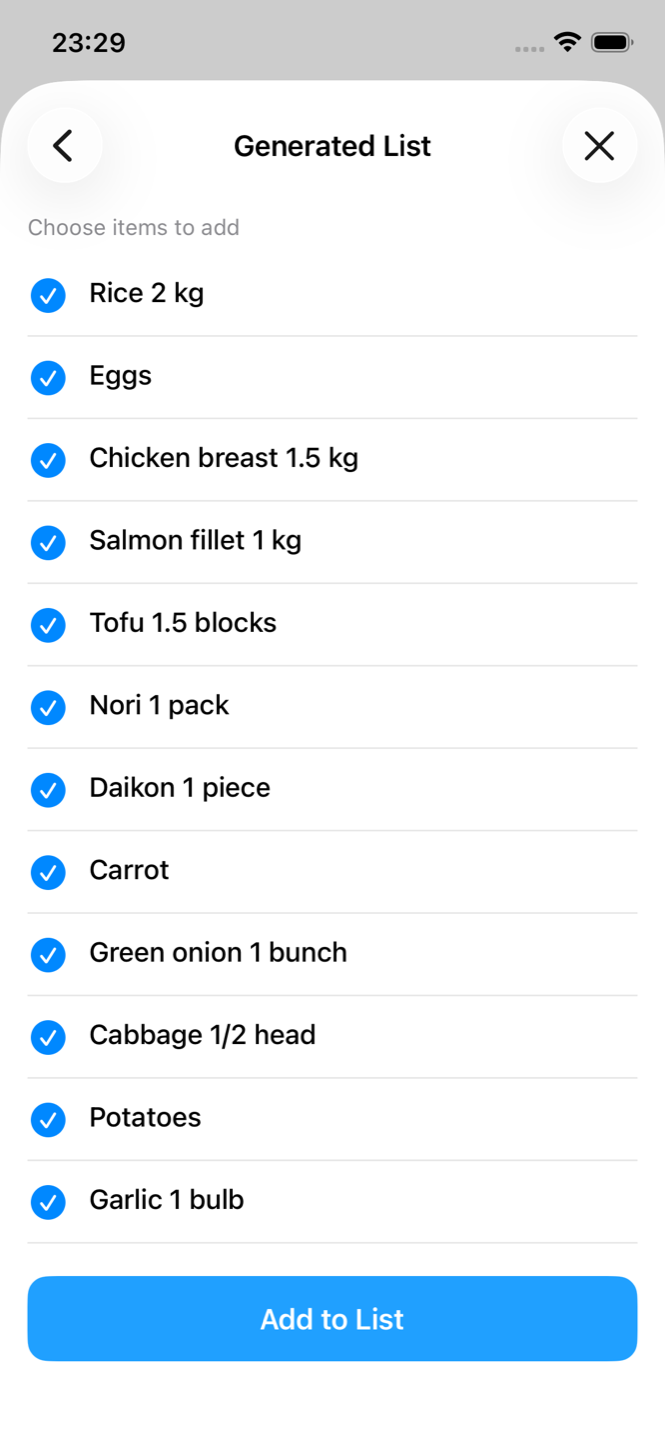
Tell it “tonight's dinner” or what's in your fridge, plus how many people. It suggests ingredients with quantities, and you skip what you already have.
Screens
Features
Pricing
Free
Core features are free, with ads. Includes 2 preset sets, your 3 most recent trips in history, and 10 AI lists. No account needed.
$2.99 iPhone
Android: see Google Play for your price.
No ads, every preset set, full shopping history, and up to 50 AI lists per month. One-time purchase. Prices may vary by country or region.
FAQ
If the message has one item per line, paste it and each line becomes an item. A sentence like “Can you get milk and eggs?” is added as one item, so put each item on its own line.
The app looks up the item name in Rakuten Ichiba's product categories (a Japanese online marketplace). Names in other languages are translated to Japanese first, so some items may land in “Other”. An internet connection is required. You can change any category yourself, and checked items keep their category next time.
No. Items of the same category are placed together, but categories appear in a fixed order. The app doesn't know the layout of your store. You can reorder items by hand in edit mode.
There is no real-time sharing or sync. You can copy the list as text or send it through a messaging app.
No account or sign-in is needed. Your list is stored on your device.
No. Pro is a one-time purchase. iPhone and Android purchases are not shared. Check the App Store or Google Play for current pricing.
It sends what you type, the number of people, and your display language and region to an external AI service, only to build the list. Items already in your shopping list are not sent. The content is not stored or used for ads, and no name or location is sent. See the Privacy Policy for details.
Start Small
It doesn't have to be a perfect list. One item per line is enough.